YouTube video with no captions,turned into text.
When a video has no captions, YouTube has no transcript to show. Paste the link here and AI listens to the audio and writes the transcript for you.
Have the file? . Only its audio is sent for transcription, and nothing is kept.
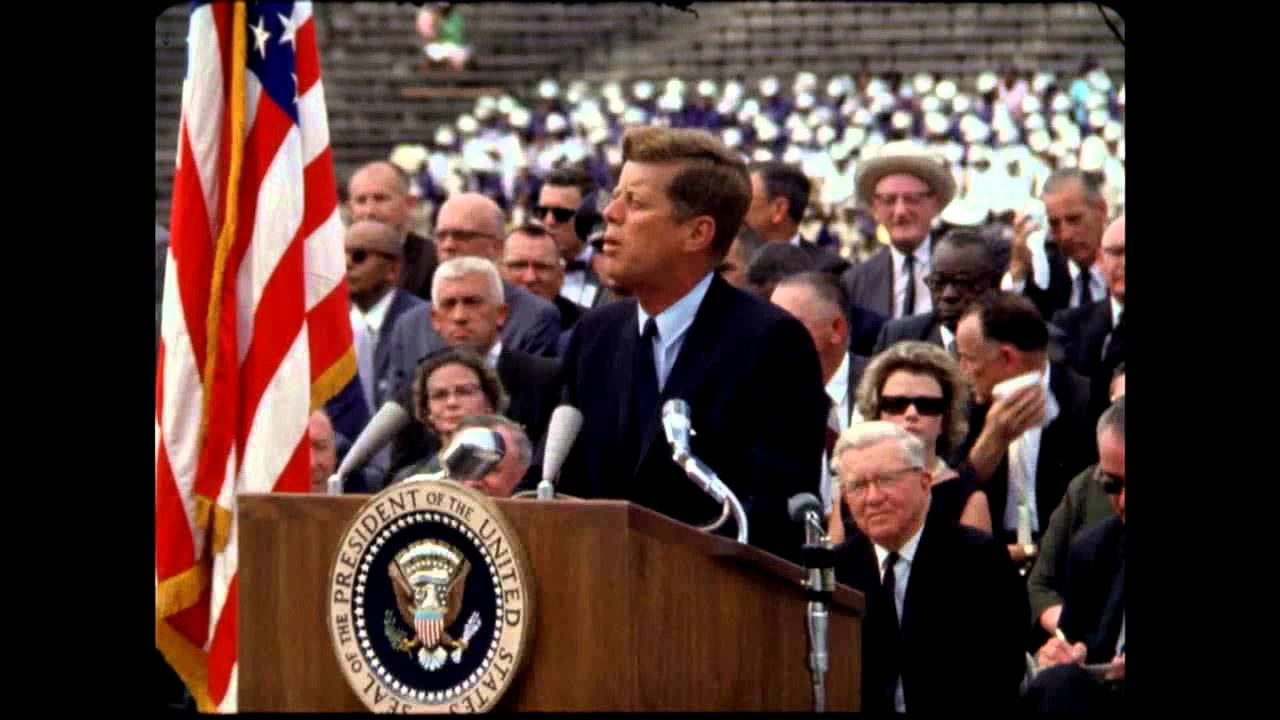
President Kennedy's Speech at Rice University
NASA Video
President Kennedy's Speech at Rice University, 1962. Public domain, from NASA's YouTube upload.
TikTokYouTubeInstagramFacebookXMP4 · MP3 · WAV
How do I turn a YouTube video with no captions into text?
Paste the video's link into the box above and press Get transcript: when a YouTube video has no captions, Any Video to Text transcribes its audio with Whisper speech recognition and returns the text with timestamps. It's free for 5 videos a day with no sign-up for videos up to 30 minutes (longer ones get the first 30 minutes free), and up to 2 hours with credits (from $5 for 200).
YouTube's Show transcript button only appears when a video has captions, so there is nothing to copy. Transcribing from the audio takes longer than reading captions, often a minute or two for a short video.
YouTube video without captions: how to use it
Copy the YouTube link
From the address bar, the Share button, or a youtu.be link.
Paste it above
No captions found, so the audio is transcribed with Whisper speech recognition.
Copy or download
Text with timestamps, or TXT, SRT, VTT and DOCX files.
At a glance
| Price | Free: 5 a day, no sign-up. Credits (no subscription): $5 for 200, $15 for 1,000, $39 for 4,000. |
|---|---|
| Works with | YouTube video links (also TikTok, Instagram, Facebook and X) |
| Length | Up to 30 minutes free for a YouTube video without captions, up to 2 hours with credits |
| How | YouTube's captions when the video has them, otherwise Whisper speech-to-text |
Why a YouTube video has no captions
- It is new, and YouTube hasn't made automatic captions yet.
- The creator turned captions off, or the video is mostly music or sound.
- The language isn't one YouTube makes automatic captions for.
- The video is private or members-only. Those can't be read here either.
How the audio is transcribed
We first look for the video's captions. If there are none, the audio is sent to Whisper, an AI speech recognition model that handles accents, fast talk and about 100 languages, and detects the language itself. The transcript comes back with timestamps. A short video often takes a minute or two.
How long a video can be
Free, a video without captions can be up to 30 minutes, 5 a day. With credits it can be up to 2 hours, at 1 credit per started 10 minutes. For long talks, see the long YouTube video transcript page.
What if the captions are bad?
Some videos have automatic captions that miss names or punctuation. Press Re-transcribe with AI under the result to write it again from the audio.
Related
For YouTube's own transcript button, read how to get the transcript of a YouTube video. For subtitle files, use the YouTube subtitle downloader.
Free to start. Pay only for more.
Credits from $5 for 200 transcripts: no daily limit, videos up to 2 hours and a bulk tool for 50 links or a channel's newest 50 videos. See pricing.
Questions
Can't find it? Email us.
Can you transcribe a YouTube video that has no subtitles?
Yes. When there are no captions the audio is transcribed by AI, with timestamps.
How long does it take?
Reading captions is almost instant. Transcribing the audio takes longer, often a minute or two for a short video, more for a long one.
Is it accurate?
Whisper handles accents and background music well. Names and slang can still need a quick check.
Does it work for Shorts?
Yes. Paste the Shorts link as it is.
The Any Video to Text toolkit
Transcribe
Subtitles and recordings
Your next YouTube video, as text, in twenty seconds
Free for 5 a day. No sign-up.