Chat with a YouTube video,get answers with timestamps.
Paste a YouTube link, then ask the video a question. The answer comes only from what the speaker says, and each answer comes with the time it's said, so you can check it.
Have the file? . Only its audio is sent for transcription, and nothing is kept.
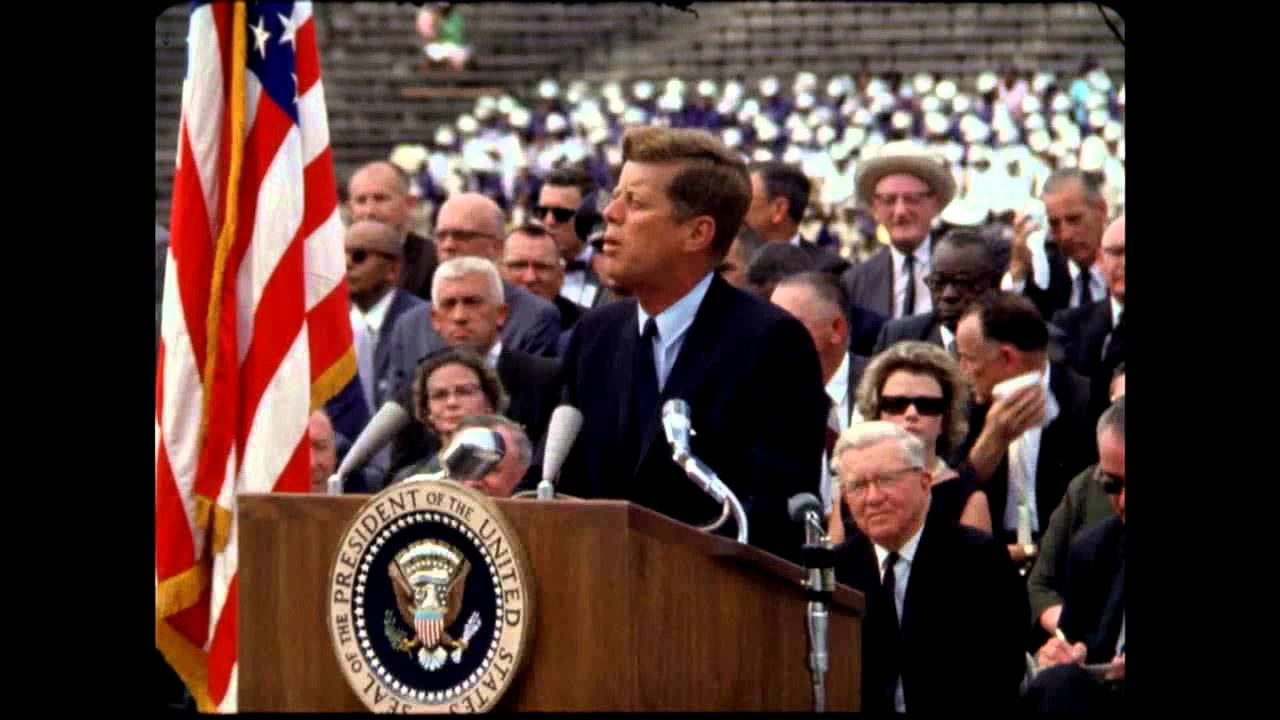
President Kennedy's Speech at Rice University
NASA Video
President Kennedy's Speech at Rice University, 1962. Public domain, from NASA's YouTube upload.
TikTokYouTubeInstagramFacebookXMP4 · MP3 · WAV
Three steps, about twenty seconds
Paste the YouTube link
We get the transcript first: the video's captions, or AI speech-to-text when it has none.
Type your question
Use the Ask box above the transcript. Follow-up questions remember the last three exchanges.
Read the answer, jump to the moment
Each answer lists up to three timestamps. Click one and the transcript scrolls to that line.
How do I ask questions about a YouTube video?
Paste the video's link into the box on this page and press Get transcript. When the transcript appears, type your question into the Ask box above it. The answer comes only from what's said in the video, with up to three timestamps that jump to the moment. Free: 10 questions a day, no sign-up.
| Price | Free: 5 a day, no sign-up. Credits (no subscription): $5 for 200, $15 for 1,000, $39 for 5,000. |
|---|---|
| Works with | YouTube video links (also TikTok, YouTube, Instagram, Facebook and X) |
| Length | Up to 30 minutes free for videos without captions, up to 2 hours with credits |
| How | The video's own captions when it has them, otherwise Whisper speech-to-text |
| Languages | About 100, detected automatically |
| Ask | Questions answered from what's said, with timestamps. 10 free a day |
| Translate | Into 36 languages, timestamps kept for SRT and VTT |
| Export | Copy, TXT, SRT, VTT or DOCX, with or without timestamps |
| Sign-up | Not needed. Sign in with Google to buy credits or keep your transcripts |
How to chat with a YouTube video
- Copy the video's link from YouTube.
- Paste it in the box above and press Get transcript.
- Type a question in the Ask box above the transcript and press Ask.
- Read the short answer, then click a timestamp to see the exact lines it came from.
What it answers from, and what it won't do
The assistant reads the video's transcript and nothing else. It doesn't add facts from outside the video, advice or opinions. If the video doesn't cover your question, it says so in one sentence instead of guessing. Answers are short, and they come back in the language you asked in.
It is an AI language model, so it can still misread a line. That's why every answer carries timestamps: click one and check the words yourself before you quote anything.
Good for long videos you don't want to scrub through
- Lectures and talks: find where the speaker covers one topic.
- Podcasts and interviews: ask what a guest said about a person, a product or a date.
- Tutorials: ask which setting or tool they used, and at what point.
- Reviews: ask for the downsides the reviewer mentions.
Want the gist instead of specific answers? Use the YouTube video summarizer. Want every word? See YouTube to transcript.
Limits and privacy
- 10 questions a day without an account. With credits, up to 300 a day. Asking doesn't use up credits.
- Getting the transcript counts as one of your 5 free transcripts a day, unless someone already transcribed the same video.
- The model reads up to about two hours of speech. A longer video is read from its start.
- Your questions and the answers aren't stored.
Other places to ask
It works on TikTok, Instagram Reels, Facebook and X links too, and on your own recordings: drop a file on audio to text, then ask. Using Claude or ChatGPT? The MCP server gives them the same Ask tool.
Need more than 10 questions a day?
With credits you can ask up to 300 questions a day. Asking doesn't use credits: you pay only for new transcripts, from $5 for 200, videos up to 2 hours. No subscription. See pricing.
Questions
Can't find it? Email us.
Is chatting with a YouTube video free?
Yes. You get 10 free questions a day with no account. Credit holders can ask up to 300 a day, and asking doesn't use credits.
Does it work if the video has no captions?
Yes. When there are no captions we transcribe the audio with AI speech-to-text first, up to 30 minutes on the free tool and up to 2 hours with credits. Then you can ask.
Can it answer things the video doesn't say?
No. It answers only from the transcript. If the video doesn't cover your question, it tells you that.
Can I ask about my own recording?
Yes. Drop an audio or video file on the audio to text page, get the transcript, and ask. The file stays on your device, and neither the transcript nor your question is stored.
How long can the video be?
The model reads about two hours of speech. For a longer video, it answers from the first two hours.
The Any Video to Text toolkit
Your next video, as text, in twenty seconds
Free for 5 a day. No sign-up.