A YouTube lecture,as text you can study.
Paste the link of a lecture, course video or recorded class. Get the full text to search and highlight, a summary of the key points, and a Word file for your notes.
Have the file? . Only its audio is sent for transcription, and nothing is kept.
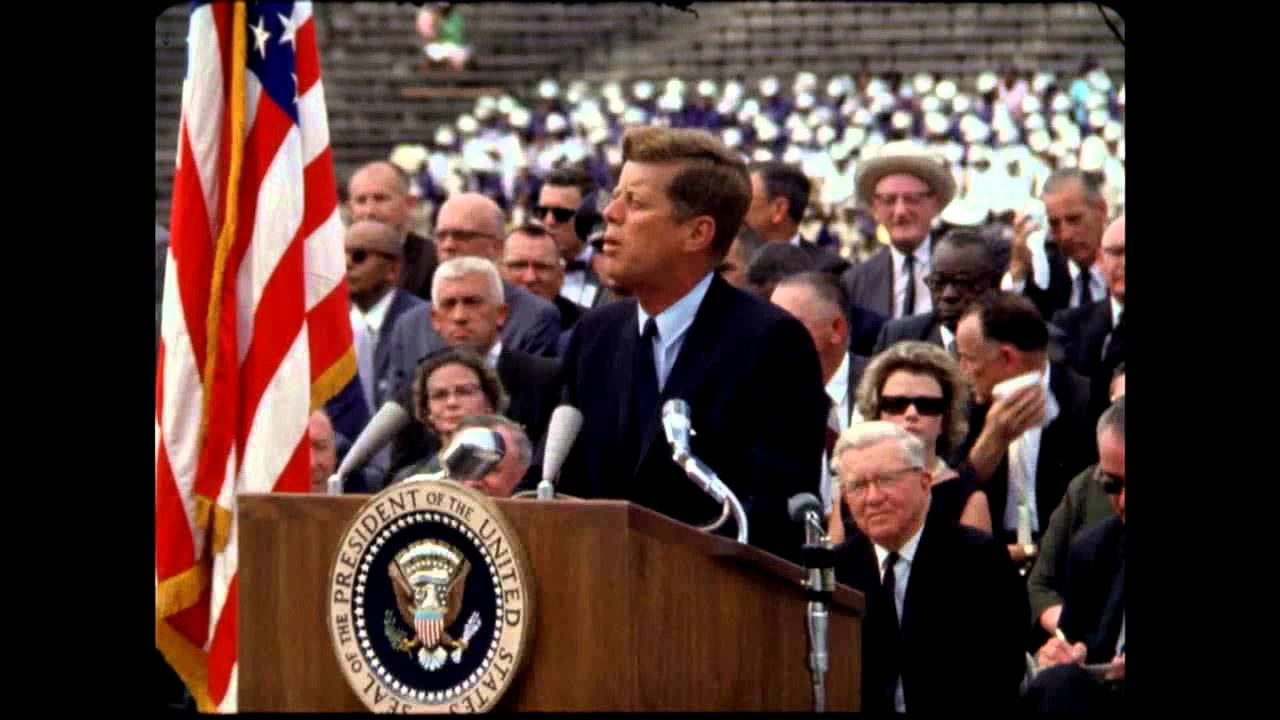
President Kennedy's Speech at Rice University
NASA Video
President Kennedy's Speech at Rice University, 1962. Public domain, from NASA's YouTube upload.
TikTokYouTubeInstagramFacebookXMP4 · MP3 · WAV
How can I turn a YouTube lecture into text for study notes?
Paste the lecture's link into the box above and press Get transcript: Any Video to Text gives you the full text with timestamps, and a Summarize button for the key points. It's free for 5 videos a day with no sign-up, lectures with captions work at any length, and a lecture without captions is transcribed from its audio (free up to 30 minutes, the first 30 minutes free if it's longer, and up to 2 hours with credits).
Copy the text into your notes, ask the lecture a question and get an answer with timestamps, or save it as a Word file.
YouTube lecture transcript: how to use it
Paste the lecture's link
Captions are used when there are any; otherwise AI transcribes the audio.
Read, search or summarize
Search for a term, or press Summarize for the key points with timestamps.
Save your notes
Copy the text, or download a Word file or subtitles.
At a glance
| Price | Free: 5 a day, no sign-up. Credits (no subscription): $5 for 200, $15 for 1,000, $39 for 4,000. |
|---|---|
| Works with | YouTube video links (also TikTok, Instagram, Facebook and X) |
| Length | Up to 30 minutes free for a YouTube video without captions, up to 2 hours with credits |
| How | YouTube's captions when the video has them, otherwise Whisper speech-to-text |
What you can do with a lecture transcript
- Search it. Find the minute a term or formula was explained, instead of scrubbing through the video.
- Summarize it. A short summary and up to 8 key points, each with its timestamp.
- Ask it. Type a question and get an answer taken only from what the lecturer said. See chat with a YouTube video.
- Keep it. Download a Word file for your notes: YouTube transcript to Word.
- Translate it. Read a lecture in another language: translate a YouTube transcript.
Long lectures
A lecture with captions works at any length. A lecture without captions is transcribed from its audio, free up to 30 minutes and up to 2 hours with credits. More in long YouTube video transcript.
A whole course
The bulk tool takes up to 50 links at once, so a playlist's worth of lectures can be done in one go.
Check the details
Transcripts and summaries are made by software. Check names, numbers and formulas against the video before you quote or revise from them.
Free to start. Pay only for more.
Credits from $5 for 200 transcripts: no daily limit, videos up to 2 hours and a bulk tool for 50 links or a channel's newest 50 videos. See pricing.
Questions
Can't find it? Email us.
Can I get the transcript of a lecture without captions?
Yes. The audio is transcribed by AI, up to 30 minutes free and up to 2 hours with credits.
Can I get just the key points?
Yes. Press Summarize for a short summary and up to 8 key points with timestamps.
Is it free for students?
5 transcripts a day are free for everyone, with no sign-up. Credits are for more than that.
The Any Video to Text toolkit
Transcribe
Subtitles and recordings
Your next YouTube video, as text, in twenty seconds
Free for 5 a day. No sign-up.