YouTube transcript to Word,one click to DOCX.
Paste a YouTube link and download its transcript as a Word file, with or without timestamps. No copy and paste, no sign-up, and no branding in the document.
Have the file? . Only its audio is sent for transcription, and nothing is kept.
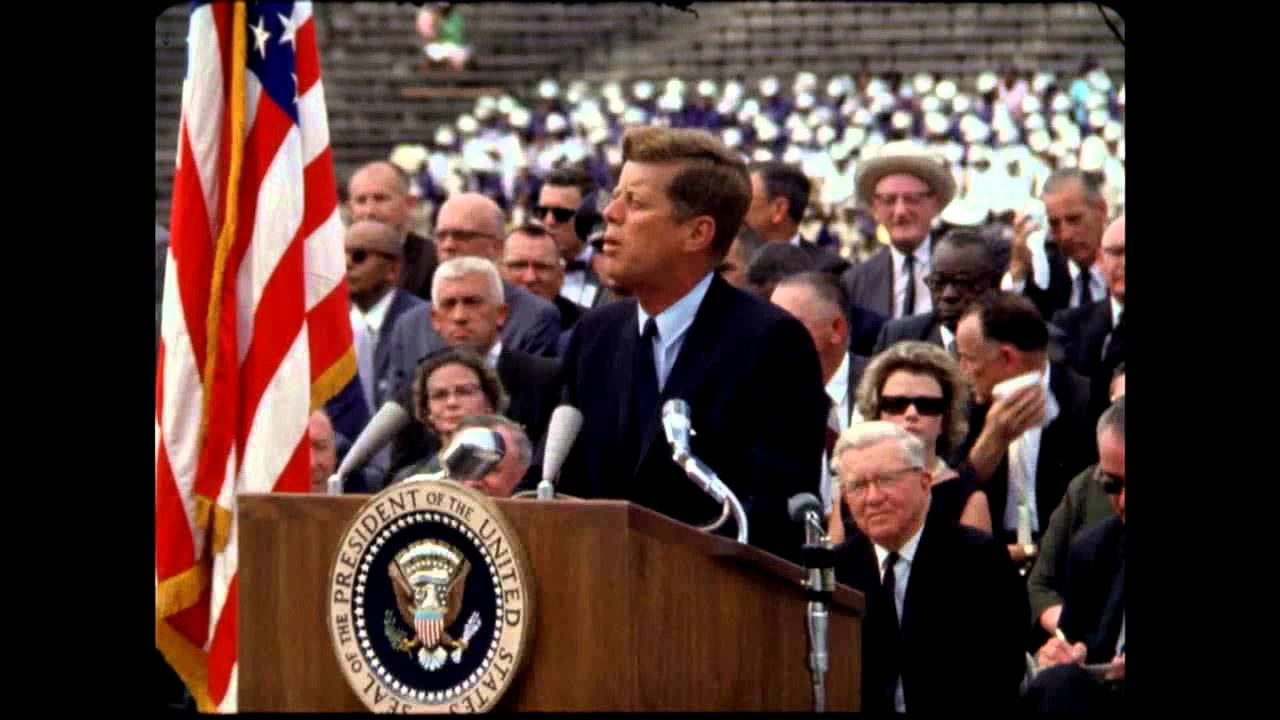
President Kennedy's Speech at Rice University
NASA Video
President Kennedy's Speech at Rice University, 1962. Public domain, from NASA's YouTube upload.
TikTokYouTubeInstagramFacebookXMP4 · MP3 · WAV
Three steps, about twenty seconds
Paste the YouTube link
We get the transcript: the video's captions, or AI speech-to-text when it has none.
Choose timestamps on or off
On gives one line per caption with its time. Off gives clean paragraphs.
Press DOCX
The Word file is made in your browser and downloads at once.
How do I save a YouTube transcript as a Word document?
Paste the video's link into the box on this page and press Get transcript. Turn Timestamps on or off, then press DOCX under the transcript. A .docx file downloads that opens in Word. It's free with no sign-up, 5 videos a day.
| Price | Free: 5 a day, no sign-up. Credits (no subscription): $5 for 200, $15 for 1,000, $39 for 5,000. |
|---|---|
| Works with | YouTube video links (also TikTok, YouTube, Instagram, Facebook and X) |
| Length | Up to 30 minutes free for videos without captions, up to 2 hours with credits |
| How | The video's own captions when it has them, otherwise Whisper speech-to-text |
| Languages | About 100, detected automatically |
| Ask | Questions answered from what's said, with timestamps. 10 free a day |
| Translate | Into 36 languages, timestamps kept for SRT and VTT |
| Export | Copy, TXT, SRT, VTT or DOCX, with or without timestamps |
| Sign-up | Not needed. Sign in with Google to buy credits or keep your transcripts |
How to turn a YouTube transcript into a Word document
- Copy the video's link from YouTube.
- Paste it in the box above and press Get transcript.
- Switch Timestamps on or off.
- Press DOCX. The file downloads, ready to open in Word.
What's in the file
- The video's title, then its creator, platform and length, and the link back to the video.
- Where the words came from: the creator's captions, automatic captions or AI speech-to-text.
- The transcript. With timestamps on, one line per caption with its time. With them off, readable paragraphs.
- For recordings with speaker labels, the speaker's name on each turn.
- The AI summary and key points at the top, if you pressed Summarize before downloading.
There is no logo or watermark in the document. It's a normal .docx file, so you can edit it, restyle it, comment on it and share it like any other.
Word file in another language
If you translate the transcript first, the Word file follows the language on screen, and notes that it was translated by AI. Right-to-left languages such as Arabic were checked in Microsoft Word. See translate a YouTube transcript.
Why not copy and paste from YouTube?
YouTube's transcript panel splits the text into short timestamped lines, so pasting it into a document gives you a column of fragments. Here you choose between those lines with times and clean paragraphs, and you get a finished file instead of a paste. For the YouTube panel itself, see how to get the transcript of a YouTube video.
Made on your device
The Word file is built in your browser from the transcript on screen. Nothing about the file is sent to us. This also works for transcripts of your own recordings, which we never store.
Need a different format? The same buttons give you plain text, SRT and VTT. Many videos at once: the bulk tool exports every transcript as TXT, CSV or JSON.
Free to start. Pay only for more.
Credits from $5 for 200 transcripts: no daily limit, videos up to 2 hours and a bulk tool for 50 links or a whole channel. See pricing.
Questions
Can't find it? Email us.
Can I download a YouTube transcript as a Word document?
Yes. Paste the link on this page, get the transcript and press DOCX. You get a .docx file that opens in Word.
Can I get the Word file without timestamps?
Yes. Switch Timestamps off above the transcript before you press DOCX, and the file has clean paragraphs instead.
Does the Word file have a watermark?
No. There is no logo, watermark or branding in it.
Does it work for videos without captions?
Yes. When there are no captions we transcribe the audio with AI first, up to 30 minutes on the free tool and up to 2 hours with credits. Then the DOCX button works the same.
Is it free?
Yes. 5 transcripts a day with no account. Credits remove the daily limit and allow videos up to 2 hours.
The Any Video to Text toolkit
Your next video, as text, in twenty seconds
Free for 5 a day. No sign-up.