Translate a YouTube transcript,timestamps kept.
Paste a YouTube link, get the transcript, then pick a language. The translation keeps every line's timestamp, so the SRT and VTT subtitle files work in the new language too.
Have the file? . Only its audio is sent for transcription, and nothing is kept.
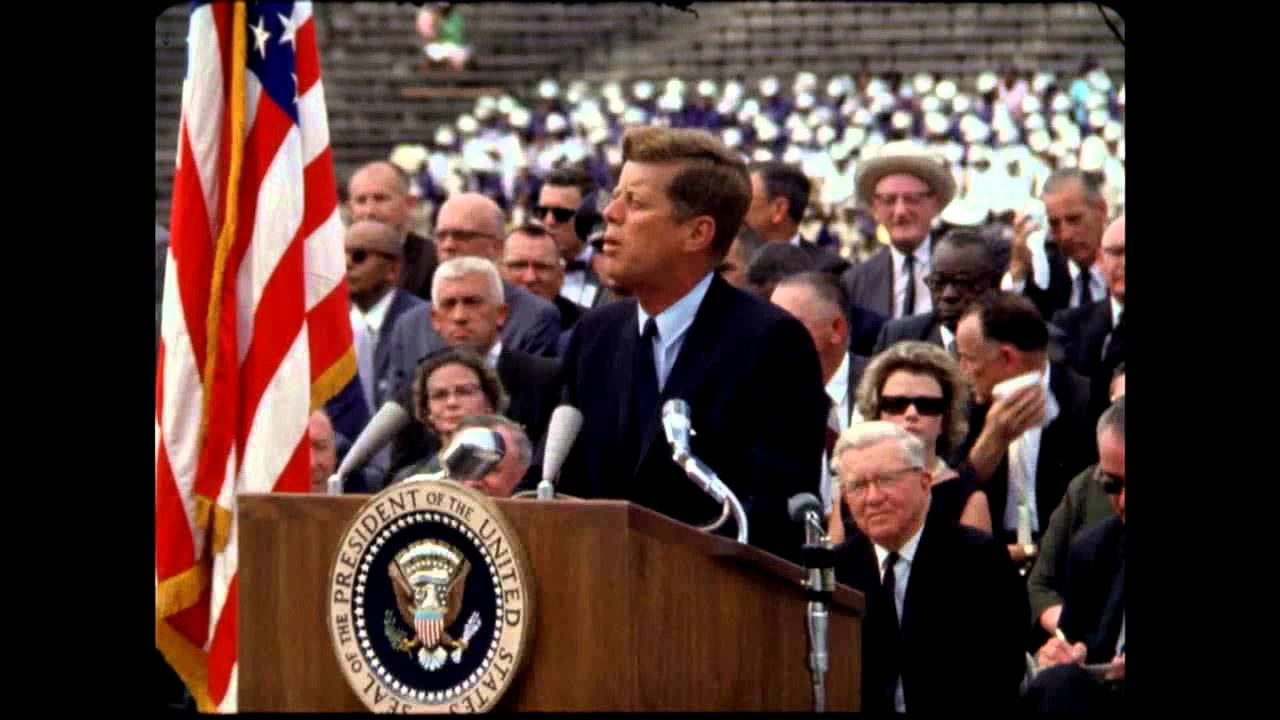
President Kennedy's Speech at Rice University
NASA Video
President Kennedy's Speech at Rice University, 1962. Public domain, from NASA's YouTube upload.
TikTokYouTubeInstagramFacebookXMP4 · MP3 · WAV
Three steps, about twenty seconds
Paste the YouTube link
We get the transcript first: the video's captions, or AI speech-to-text when it has none.
Pick a language
Choose one of 36 in the Translate menu. Long videos are translated a part at a time, with progress shown.
Copy or download
The text on screen and every export follow the language you picked. Show the original any time.
How do I translate a YouTube video's transcript?
Paste the video's link into the box on this page and press Get transcript. Then choose a language in the Translate menu under the transcript. You get the translation line by line in 36 languages, and can copy it or download it as TXT, SRT, VTT or Word. Free, no sign-up.
| Price | Free: 5 a day, no sign-up. Credits (no subscription): $5 for 200, $15 for 1,000, $39 for 5,000. |
|---|---|
| Works with | YouTube video links (also TikTok, YouTube, Instagram, Facebook and X) |
| Length | Up to 30 minutes free for videos without captions, up to 2 hours with credits |
| How | The video's own captions when it has them, otherwise Whisper speech-to-text |
| Languages | About 100, detected automatically |
| Ask | Questions answered from what's said, with timestamps. 10 free a day |
| Translate | Into 36 languages, timestamps kept for SRT and VTT |
| Export | Copy, TXT, SRT, VTT or DOCX, with or without timestamps |
| Sign-up | Not needed. Sign in with Google to buy credits or keep your transcripts |
How to translate a YouTube transcript
- Copy the video's link from YouTube.
- Paste it in the box above and press Get transcript.
- Open the Translate menu under the transcript and pick a language.
- Copy the translation, or download it as TXT, SRT, VTT or Word.
09:05  Elegimos ir a la luna.
09:17  no porque sean fáciles,
Timestamps stay, so subtitles work too
The transcript is translated line by line, not as one block, so each line keeps its own time. That means the SRT and VTT files you download are subtitles in the new language, ready for a video editor or a web player. Speaker names stay on their lines too, for recordings you transcribe with speaker labels.
36 languages
English, Spanish, French, German, Portuguese, Italian, Dutch, Polish, Russian, Ukrainian, Turkish, Arabic, Hebrew, Persian, Urdu, Hindi, Bengali, Tamil, Chinese (Simplified and Traditional), Japanese, Korean, Indonesian, Malay, Vietnamese, Thai, Filipino, Swahili, Swedish, Danish, Norwegian, Finnish, Greek, Romanian, Czech and Hungarian. The video itself can be in any of the roughly 100 languages we transcribe.
A machine translation: check before you quote
The translation is written by an AI language model. A note under the transcript says so, and it's worth checking names and numbers before you publish or quote anything. The original transcript is one click away (Show the original), and the translation never replaces it.
Limits
- Free translation is counted in parts of about 5,000 characters. The free daily allowance covers about an hour of video. With credits it is much higher.
- Translating doesn't use credits. Getting the transcript counts as one of your 5 free transcripts a day, unless someone already transcribed the same video.
- Translations of YouTube links are shared: the next person who translates the same video into the same language gets it faster.
- In our test, a 15-minute video was translated in about 20 seconds.
Only need the captions as they are? Use the YouTube subtitle downloader. Want to read the video, not translate it? Try the summarizer or ask it questions. Translated text goes into a document with YouTube transcript to Word.
Translating a lot of video?
Free translation covers about an hour of video a day. With credits the daily limit is much higher, and translating doesn't use credits: you pay only for new transcripts, from $5 for 200. No subscription. See pricing.
Questions
Can't find it? Email us.
Is translating a YouTube transcript free?
Yes, within a daily allowance that covers about an hour of video, with no account. Credit holders get a much higher allowance. Translating doesn't use credits.
Do the timestamps stay?
Yes. The transcript is translated line by line, so SRT and VTT downloads keep their times in the new language.
Which languages can I translate into?
36, including Spanish, French, German, Arabic, Hindi, Chinese, Japanese, Korean and Portuguese. The video can be in any language we can transcribe.
How good is the translation?
It's an AI translation. It's usually good enough to follow a video, but check names, numbers and quotes before you publish. The original stays one click away.
Can I translate a TikTok, a Reel or my own recording?
Yes. The same Translate menu appears under any transcript, including files you transcribe from your device. A translated recording isn't stored.
The Any Video to Text toolkit
Your next video, as text, in twenty seconds
Free for 5 a day. No sign-up.