YouTube transcript withtimestamps, or without.
Paste a YouTube link and switch timestamps on or off. Copy the whole text in one go, or download it with the times as a subtitle file.
Have the file? . Only its audio is sent for transcription, and nothing is kept.
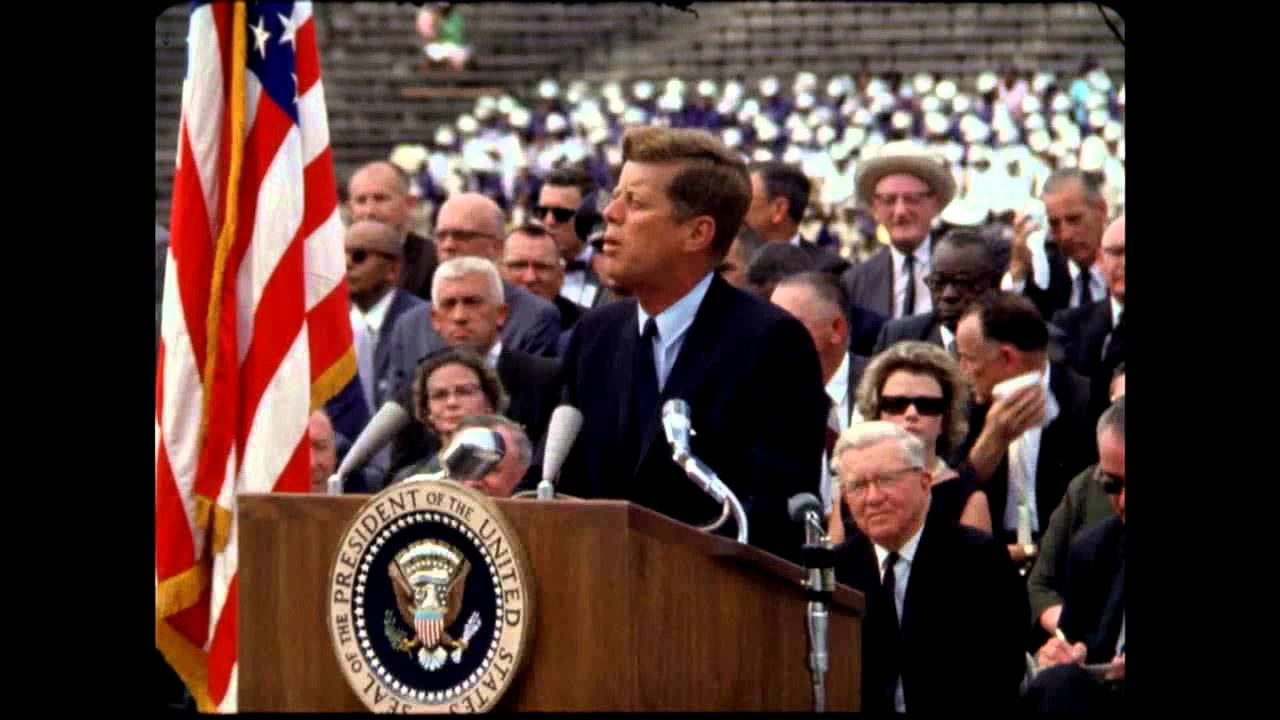
President Kennedy's Speech at Rice University
NASA Video
President Kennedy's Speech at Rice University, 1962. Public domain, from NASA's YouTube upload.
TikTokYouTubeInstagramFacebookXMP4 · MP3 · WAV
How can I get a YouTube transcript with timestamps?
Paste the video's link into the box above and press Get transcript, then switch Timestamps on: every line shows the time it starts, and you can copy it or download it as TXT, SRT, VTT or DOCX. It's free for 5 videos a day with no sign-up, and it works on videos without captions too.
YouTube's Show transcript panel has timestamps, but you can't download it, and copying it gives a column of short lines. Here you copy the whole text in one go, with or without the times.
YouTube transcript with timestamps: how to use it
Paste the YouTube link
We read the captions, or transcribe the audio with AI when there are none.
Switch Timestamps on
Each line shows the time it starts. Off gives clean paragraphs.
Copy or download
Copy the text, or download TXT, SRT, VTT or DOCX.
At a glance
| Price | Free: 5 a day, no sign-up. Credits (no subscription): $5 for 200, $15 for 1,000, $39 for 4,000. |
|---|---|
| Works with | YouTube video links (also TikTok, Instagram, Facebook and X) |
| Length | Up to 30 minutes free for a YouTube video without captions, up to 2 hours with credits |
| How | YouTube's captions when the video has them, otherwise Whisper speech-to-text |
With timestamps or without
- On: one line per caption, each with its start time. Good for quotes, show notes, editing and checking a claim.
- Off: readable paragraphs. Good for notes, blog posts and pasting into ChatGPT or Claude.
Timestamps in a subtitle file
SRT and VTT files carry the time of every line, so you can load them into a video editor or upload them back to YouTube. The YouTube subtitle downloader page covers that.
Why not copy from YouTube?
On YouTube, open the description, press Show transcript, and the lines appear with times beside the video. You can hide the times from the panel's menu, but you can't download it. Pasting the link here gives you the whole text in one copy, and it also works when the video has no captions. See how to get the transcript of a YouTube video.
Timestamps in other tools
Translate the transcript and the times stay with each line: translate a YouTube transcript. A summary and the answers to your questions also come with timestamps.
Free to start. Pay only for more.
Credits from $5 for 200 transcripts: no daily limit, videos up to 2 hours and a bulk tool for 50 links or a channel's newest 50 videos. See pricing.
Questions
Can't find it? Email us.
How do I get a YouTube transcript without timestamps?
Switch Timestamps off above the transcript before you copy or download it.
Are the timestamps exact?
With captions, the times are the captions' own. With AI speech-to-text, they come from the audio and are approximate.
Can I download it with timestamps?
Yes. SRT and VTT files have a time for every line, and TXT and DOCX follow the Timestamps switch.
The Any Video to Text toolkit
Transcribe
Subtitles and recordings
Your next YouTube video, as text, in twenty seconds
Free for 5 a day. No sign-up.